How to attempt an Online Test?
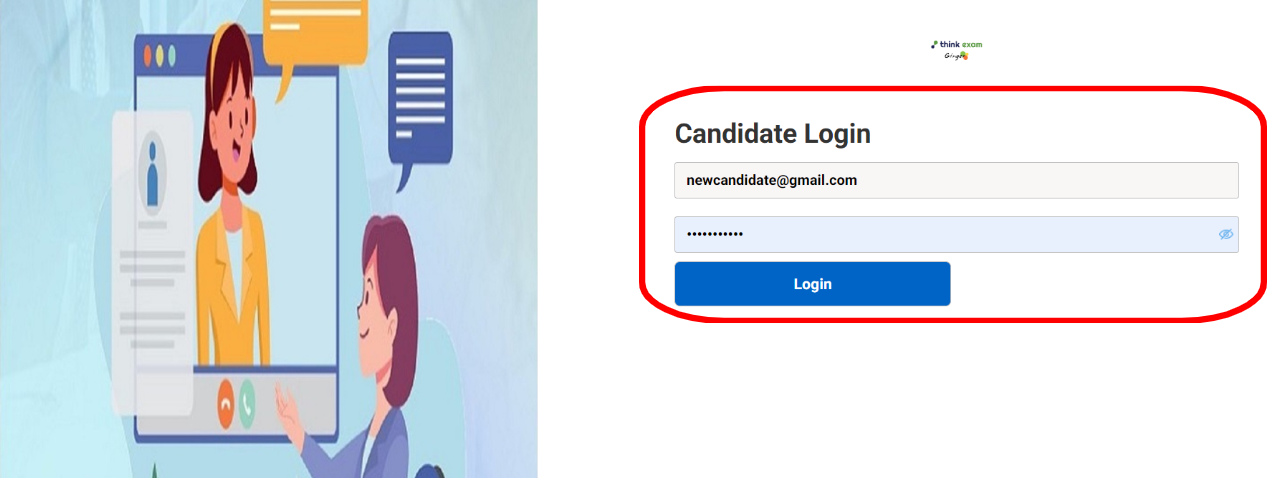
Step 1 : Login
Step 2 : Start Test
After clicking on the “Start test” button, the system will check for certain parameters such as browser compatibility, test’s validity etc.
After the system check is completed, the instructions page will open up. Read out the test instructions carefully and then click on the check box located on the bottom left corner. Now, click on the “Next” button.
Step 3 : Attempting the Test
After clicking on the next button, the questions will appear. Read the question carefully, select the correct options / answers and then click on the “Save & Next” button to attempt the next question.
You can also click on the question palette to switch between questions.
This section located above the submit test button will display the attempted, skipped and un attempted question count.
You can use the “Reset” button to reset your saved responses. In case you want to review any particular question, Click on the check box in front of the “Review” button.
Step 4: Submit Test
After you have answered all the questions, you can click on the “Submit Test” button to submit your test.
Please note :
The test will be auto submitted in case the test duration is completed.
In case the test page closes due to unforeseen circumstances, the responses will be saved in the system.